Flow Canvas
A node-based workflow editor on an infinite dot grid.
$149 once · every Pro piece
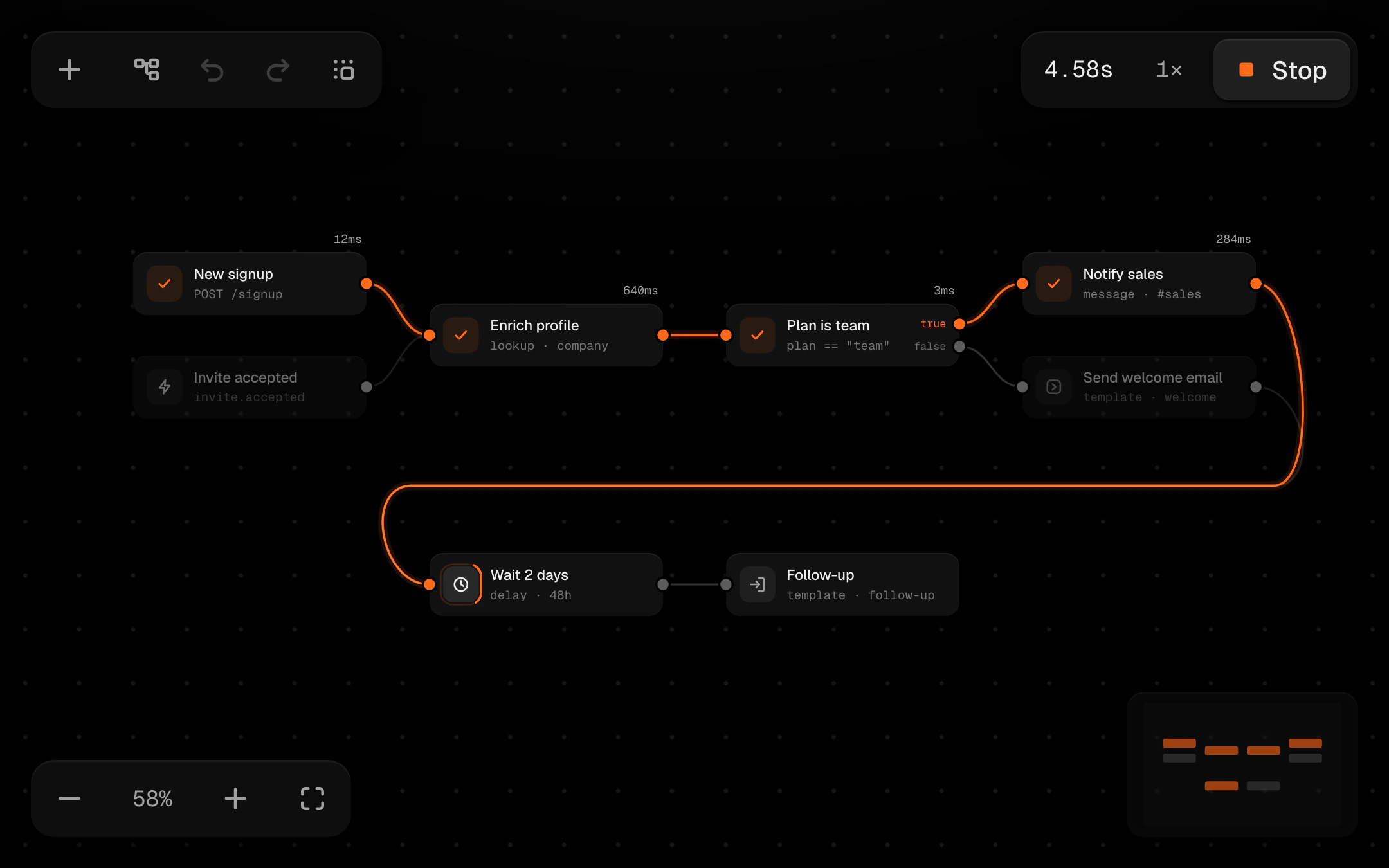
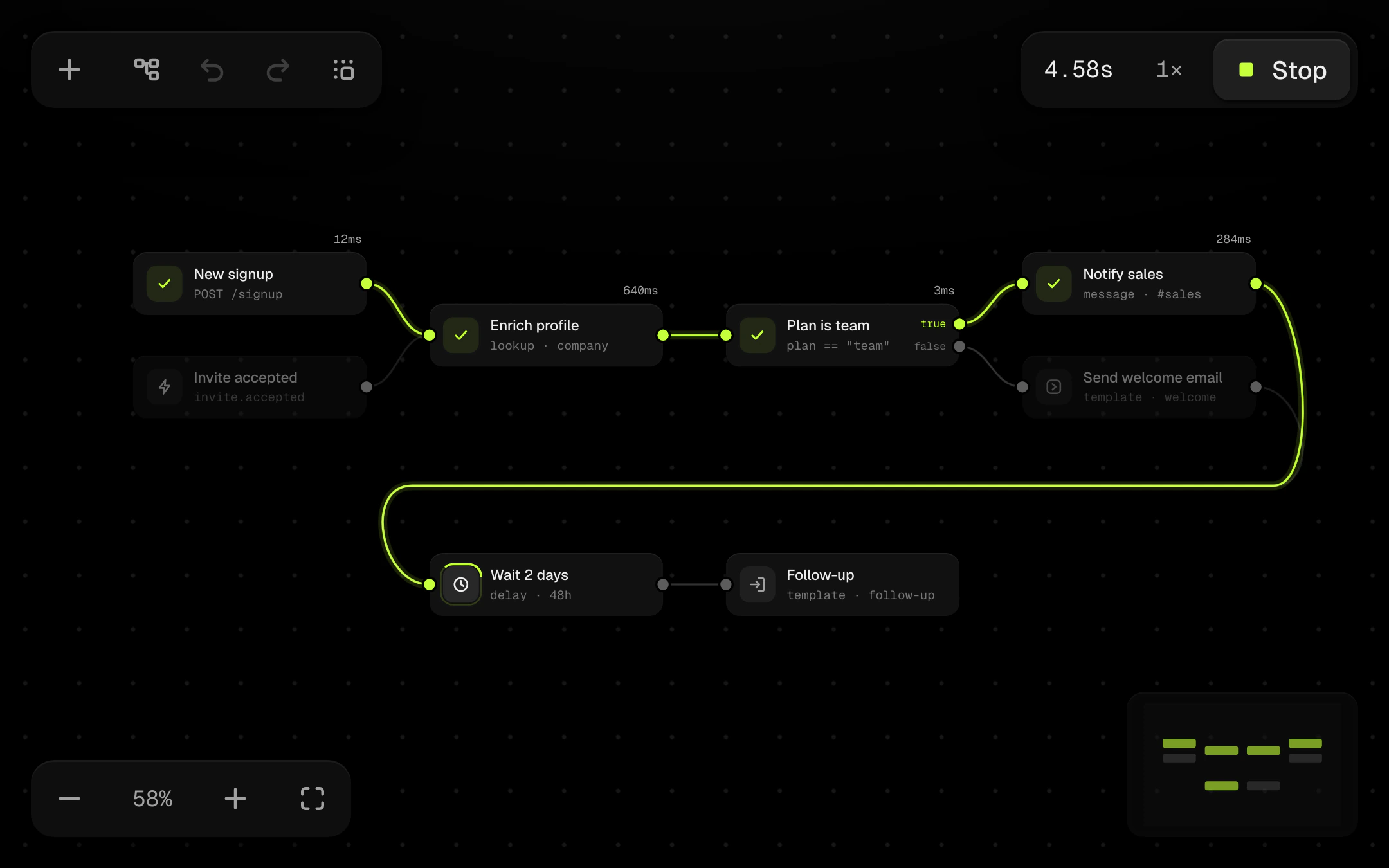
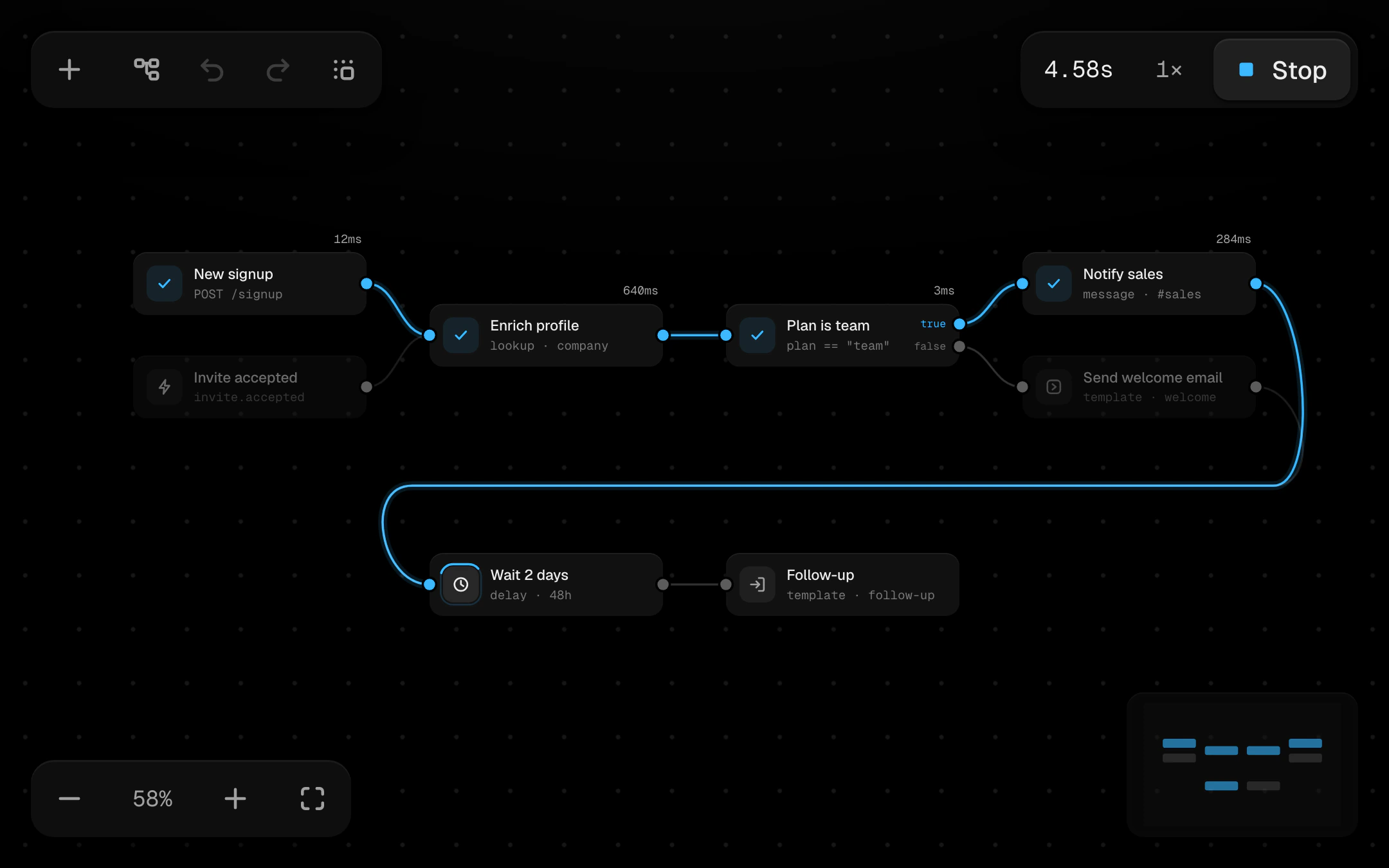
Pan by dragging empty space or holding Space, and zoom smoothly around the pointer. Typed nodes (Trigger, Action, Condition, Delay, Output) are filled cards that lift when selected. Drag from an output to pull out a wire that sags on a spring: inputs glow as it nears, it snaps into the closest one, and ports that can't take it shake. Press Run and a pulse travels from the trigger along the branch the Condition picks. Each node spins, then checks off with its time in mono, and the path it took stays lit. Includes marquee and Shift-click selection, snap to grid, an animated Tidy layout, undo, duplicate, a draggable minimap and a full keyboard path with announcements.
Install
npx shadcn@latest add @obsyde/flow-canvasNeeds your licence key · Get Pro
Usage
Import it from where the CLI puts it, or copy the files below by hand.
import { FlowCanvas } from '@/components/obsyde/ember/flow-canvas/FlowCanvas';

export function Example() {
  return (
    <FlowCanvas />
  );
}
Files
What you get with Pro: plain React, TypeScript and CSS, with no dependencies.
ember/flow-canvas/FlowCanvas.tsxcomponentember/flow-canvas/flow-canvas.cssstylesember/flow-canvas/flow-icons.tsxmoduleember/flow-canvas/flow-model.tsmoduleember/flow-canvas/flow-kit.tsmoduleember/flow-canvas/FlowCanvasDemo.tsxdemoember/shared/accent.tssharedember/shared/spring.tssharedember/shared/ember.cssshared
API
| Prop | Type | Default |
|---|---|---|
accentAccent | 'ember' | 'volt' | 'arc' | 'ember' |
minimapMinimap | boolean | true |
snapSnap to grid | boolean | false |
wireStyleWires | 'bezier' | 'step' | 'bezier' |
gridGrid | boolean | true |
runSpeedRun speed | '0.5' | '1' | '2' | '1' |